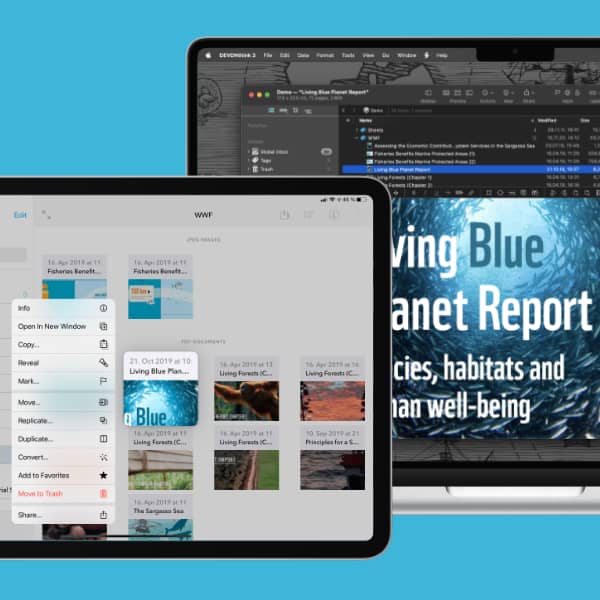
Scanning documents is a much needed function for many people, but you might not have a scanner available. If you have an iPhone or iPad connected to the same Apple Account as your Mac, you can use it to scan directly into DEVONthink’s Global Inbox. We show you how. (more)
If you’re using an external keyboard with your iPad, you have access to keyboard commands in DEVONthink To Go. Here are a few keyboard shortcuts you may consider useful. (more)
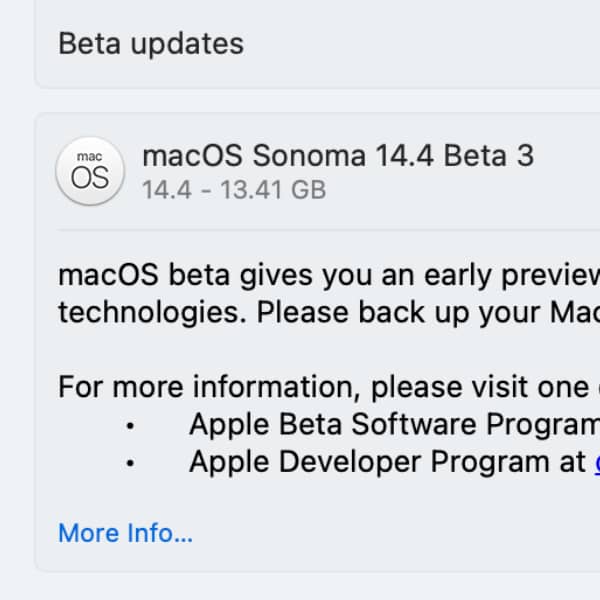
When Apple announces their latest operating system, it may be tempting to jump right on it. But is that the best idea? Here are our recommendations. (more)
We were asked the question why long-pressing the back button in DEVONthink To Go on the iPad doesn’t go back until the databases screen. Here’s why. (more)
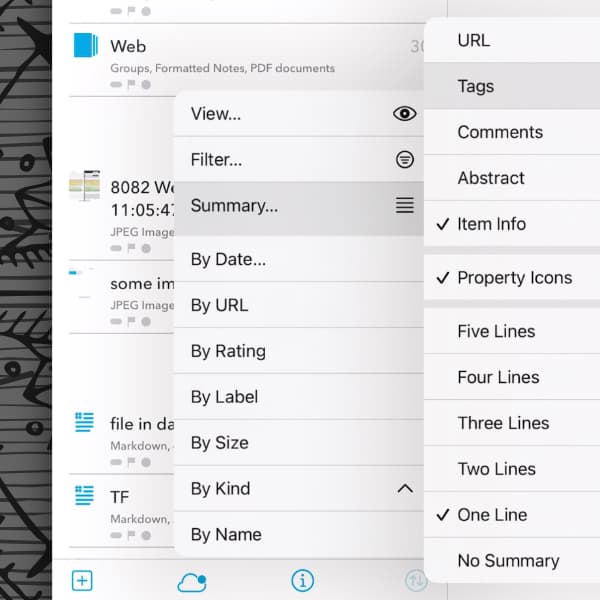
When people talk about how they use an application, they sometimes complain about how many taps it takes to get something done. In DEVONthink To Go you can move through menus a little more smoothly. Here’s how. (more)
If you use a Mac and an iPad at the same time, Universal Control allows you to control both devices from a single keyboard and mouse or trackpad. You can use both devices perfectly together while retaining their individual capabilities. Here we’ll show you this feature. (more)
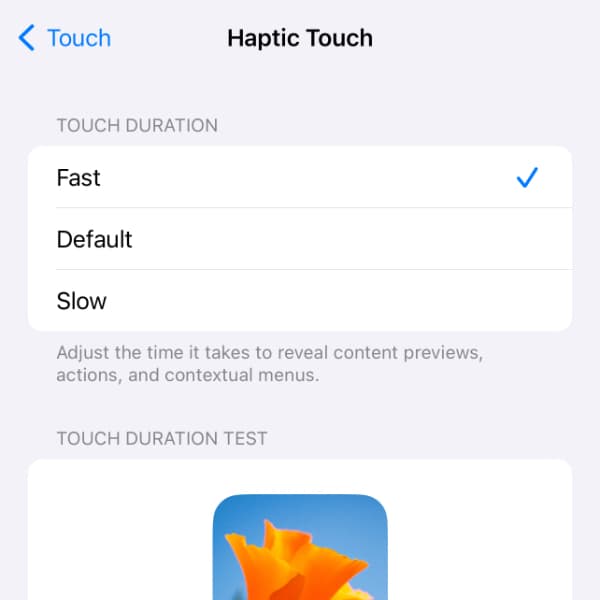
Context menus are used by many applications on Apple’s mobile platform. They provide a wider range of commands within the limited interface space of mobile devices. You typically open them by long-pressing items. Here is how to open them a bit faster. (more)
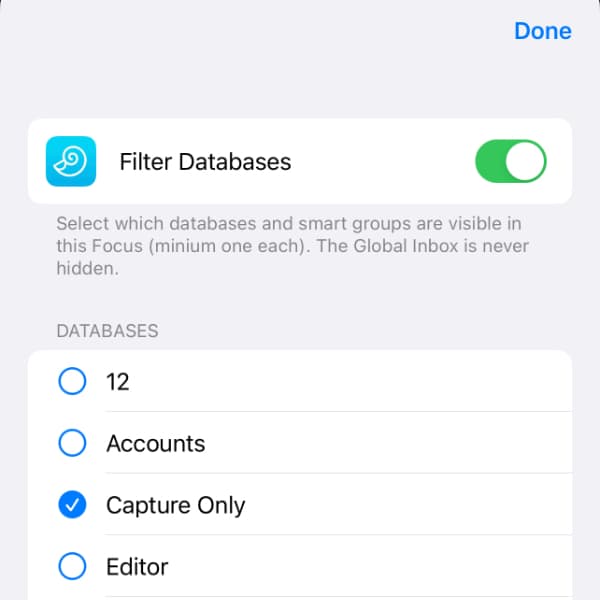
Focus modes allow you to minimize distractions in different circumstances. This usually involves disabling notifications from certain people or applications. DEVONthink To Go also supports Focus modes and lets you filter your information as needed. Here is, how that works. (more)
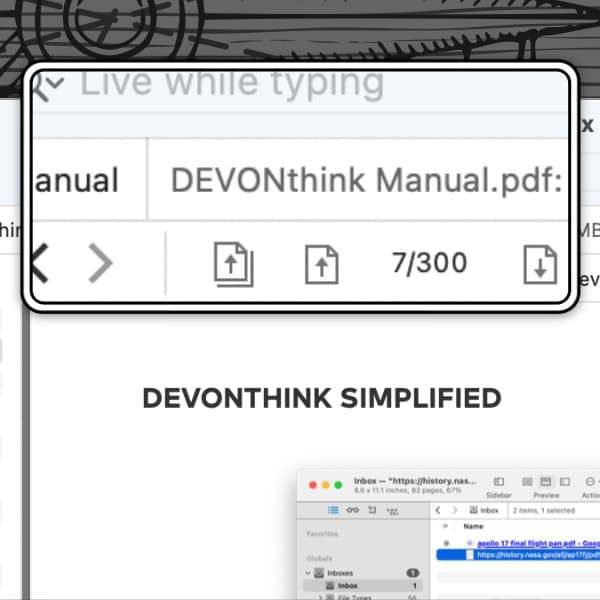
Whether due to a physical infirmity or just a product of getting older, viewing things on screen can become more difficult. Changing the interface isn’t something that’s simply done and everyone has their own level of correction needed. Here are a few ways to make things a bit easier on your eyes. (more)
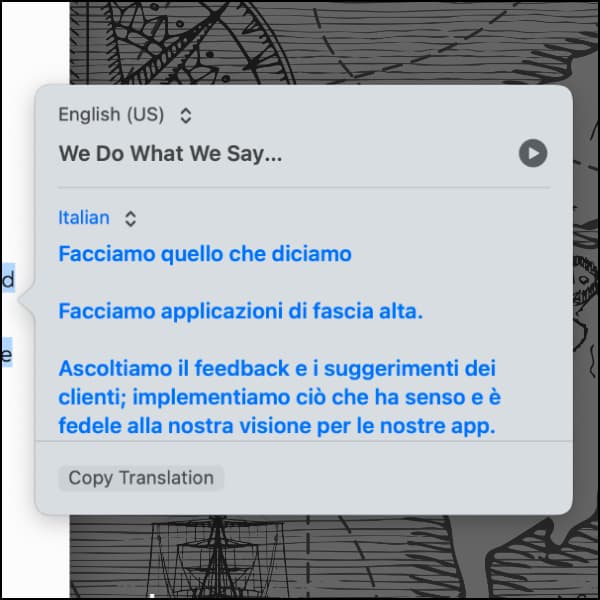
There are many times we have to deal with documents that aren’t in our native language and in those cases, a translator becomes invaluable. For this, Apple provides a built-in translation you may not know or think about sometimes. Here is a short introduction. (more)
By using our site, you acknowledge that you have read and understand our Cookie Policy and our Imprint.