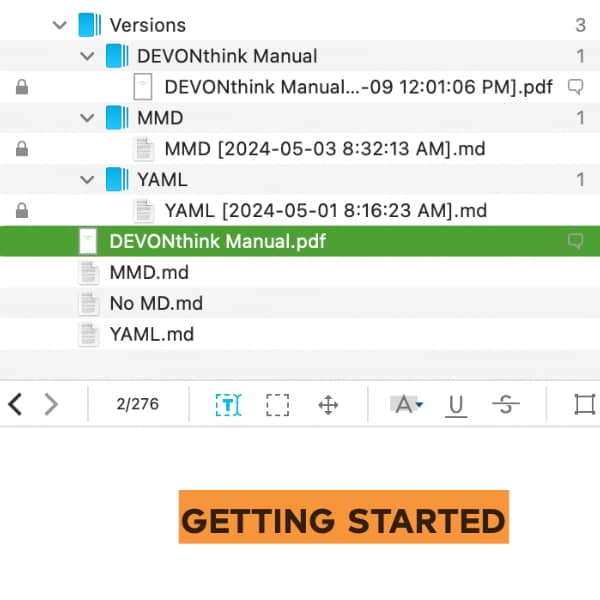
Sometimes, there might be a need to save a document in its current form before making alterations. DEVONthink provides a clever method to create versions of a document automatically. Learn more about this feature here. (more)
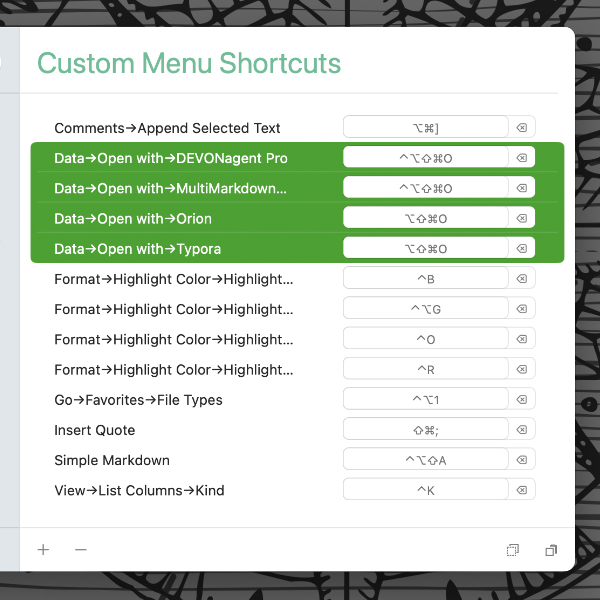
In macOS’ System Settings or Houdah CustomShortcuts, you can set up a keyboard shortcut to quickly open documents from DEVONthink in a specific application. Here is, how to set up the very same keyboard shortcut for different file types. (more)
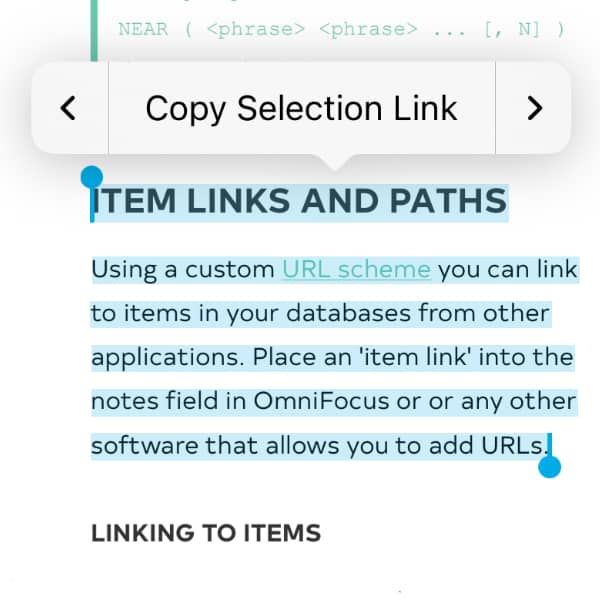
Much of the data we work with is connected in some way. Even if this is an only an implicit connection in our minds, we see relationships between documents. To help tie these documents together, DEVONthink and DEVONthink To Go support document linking. (more)
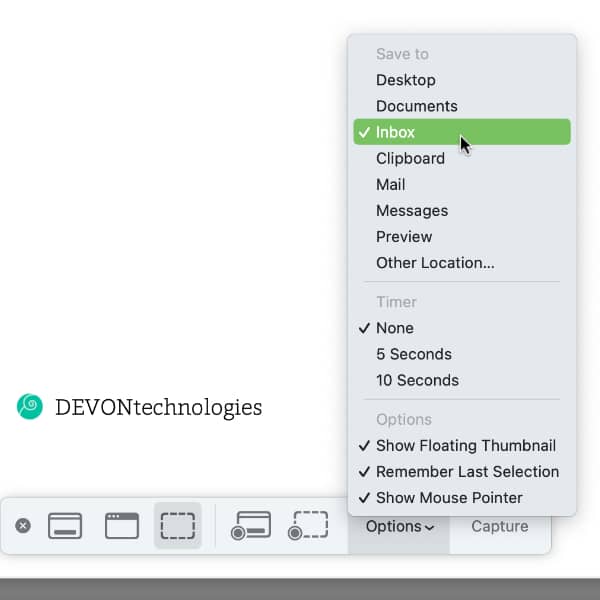
While there are many screen capturing applications available, including DEVONthink’s own Sorter, Apple’s screen capture utility is still useful in many situations. Here’s how to integrate it with DEVONthink. (more)
When DEVONthink 3 debuted, it came with the option of creating a truly secure, encrypted database. If you have an unencrypted database and would like to convert it to an encrypted one, here is how you do it. (more)
In DEVONagent Pro, you can archive search results or send them to DEVONthink. But after closing the search, you no longer have access to those results. Of course, you can run the search again, but there is a more efficient way to return to them. (more)
If you have many objects in one place in your database, you can quickly lose the overview and have to scroll and search a lot. In DEVONthink To Go, however, there is a way to hide items that you do not need at the moment. Here is, how that works. (more)
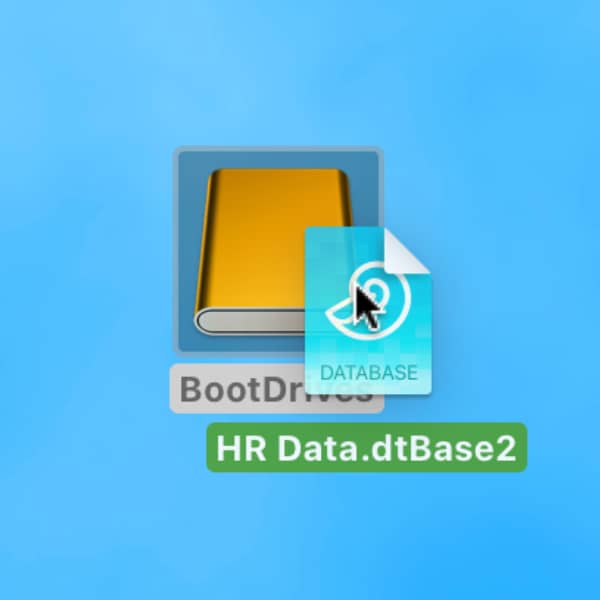
External hard drives are one of the places where you can store your DEVONthink databases safely. Nevertheless, there are a few things you should bear in mind. Here is, how to move your databases to such a hard drive. (more)
When you run into an issue with an application, e.g., DEVONthink, you may think you should reinstall it. Here’s why that shouldn’t be your first step. (more)
When you sit down to write, it’s all too common to become distracted. While we can’t disable notification center and sounds from other applications, DEVONthink can provide a more minimalistic view in which to write. (more)
By using our site, you acknowledge that you have read and understand our Cookie Policy and our Imprint.