
June 11, 2024
More Key Commands on the iPad

If you’re using an external keyboard with your iPad, you have access to keyboard commands in DEVONthink To Go. Here are a few keyboard shortcuts you may consider useful. (more)

If you’re using an external keyboard with your iPad, you have access to keyboard commands in DEVONthink To Go. Here are a few keyboard shortcuts you may consider useful. (more)

DEVONthink’s Global Inbox is an ever-present database used as a temporary holding tank for items you’ll late file in other databases. Here is how you can add items to it more efficiently than merely drag and drop. (more)

Perhaps you have a selection of images that you would like to convert into a single PDF. In DEVONthink, there is a simple tool that does just that. Here is, how it works. (more)


Each digital document has metadata like the name of the document or the size. In DEVONthink, you can also define your own custom metadata to precisely suit your needs. To show you how to do this, we created a tutorial for you. (more)
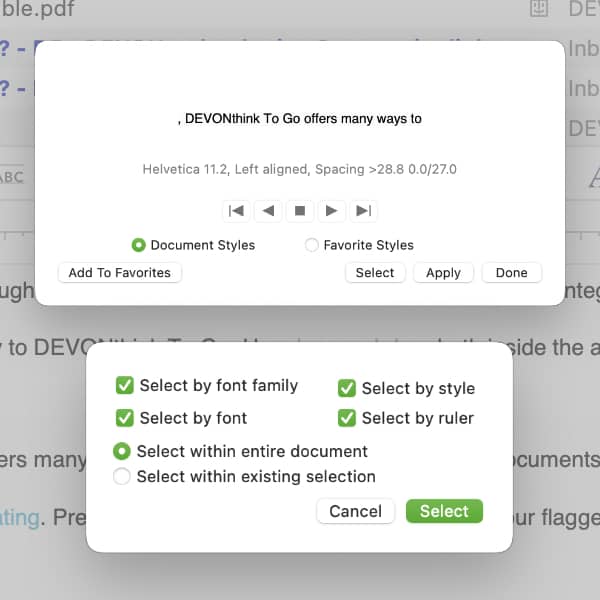
Many people use Markdown documents, citing the ability to make global edits to the formatting. In DEVONthink, similar global edits in the formatting are possible in rich text documents as well. Here is, how that works. (more)
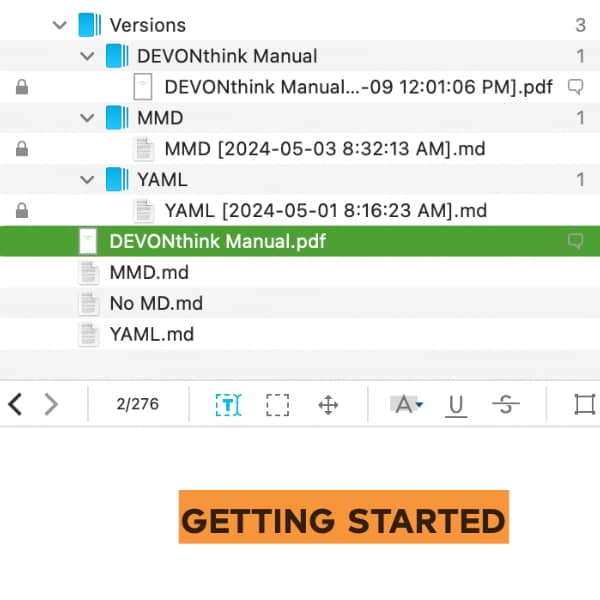
Sometimes, there might be a need to save a document in its current form before making alterations. DEVONthink provides a clever method to create versions of a document automatically. Learn more about this feature here. (more)
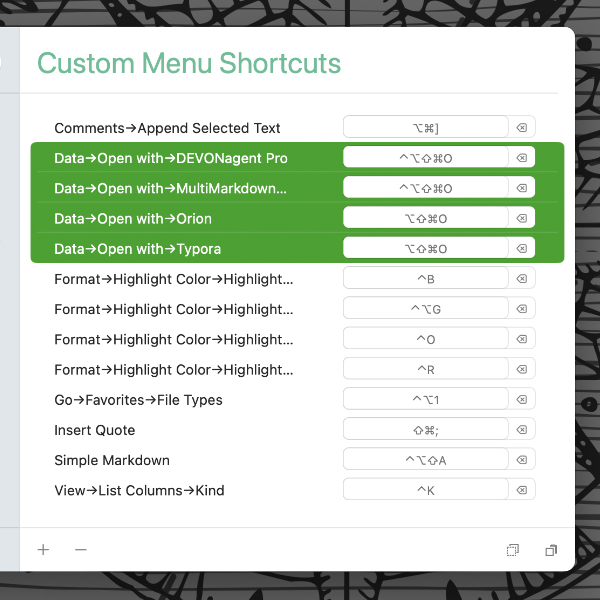
In macOS’ System Settings or Houdah CustomShortcuts, you can set up a keyboard shortcut to quickly open documents from DEVONthink in a specific application. Here is, how to set up the very same keyboard shortcut for different file types. (more)
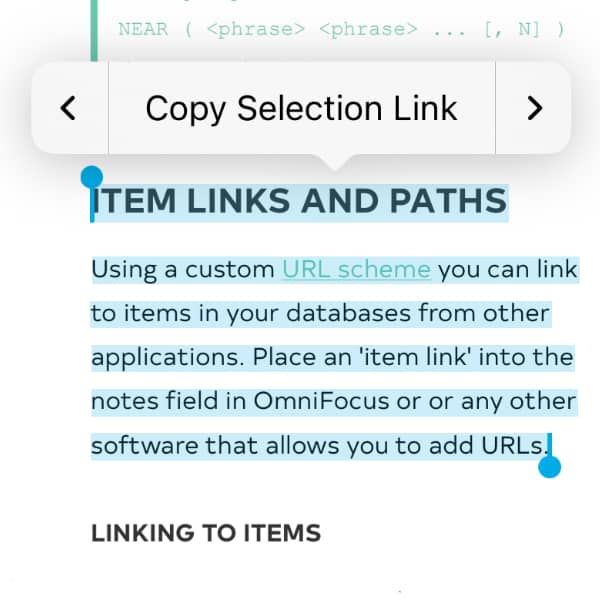
Much of the data we work with is connected in some way. Even if this is an only an implicit connection in our minds, we see relationships between documents. To help tie these documents together, DEVONthink and DEVONthink To Go support document linking. (more)

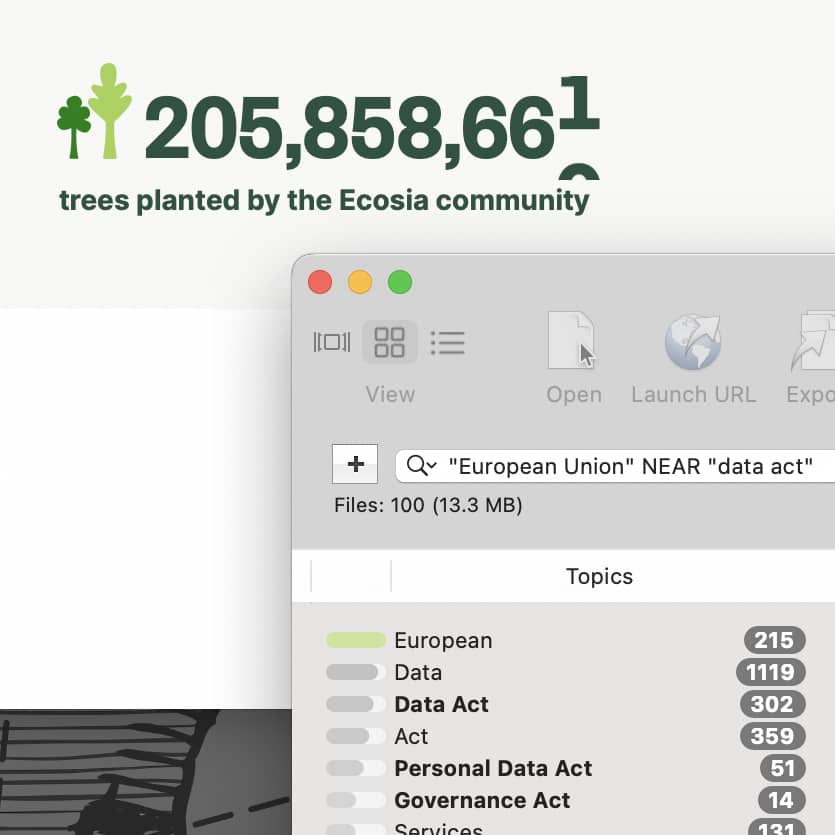
DEVONagent 3.11.8 adds support for the Ecosia search engine and includes updates for a number of plugins, search sets, and scanners. It also delivers more focused results with Google and Web plugins and NEAR search produce better results. (more)
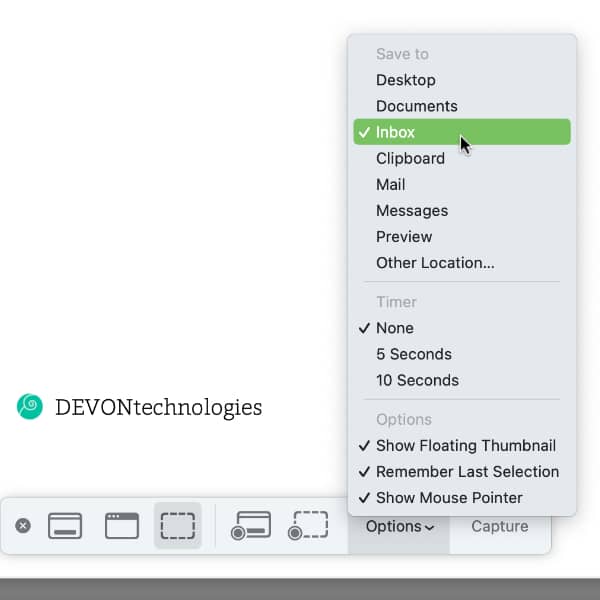
While there are many screen capturing applications available, including DEVONthink’s own Sorter, Apple’s screen capture utility is still useful in many situations. Here’s how to integrate it with DEVONthink. (more)