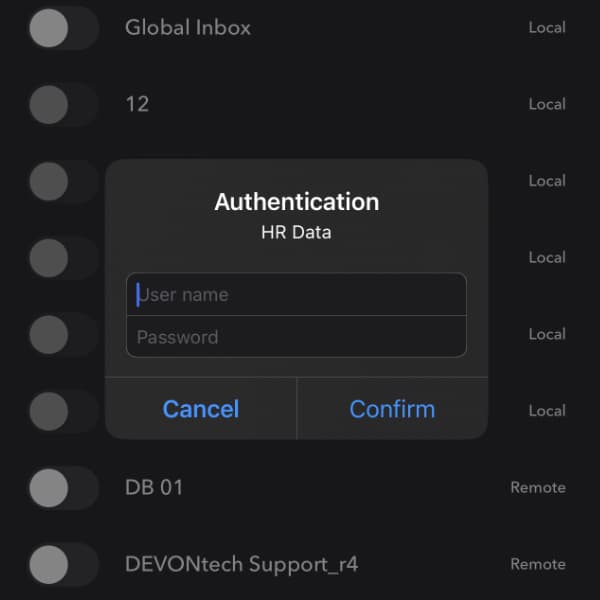
In DEVONthink and DEVONthink To Go, you’ll see fields for a username and password in the properties of a database. These are the database credentials. While it looks like they would lock a database from access, they don’t. Here is, what they are actually for. (more)
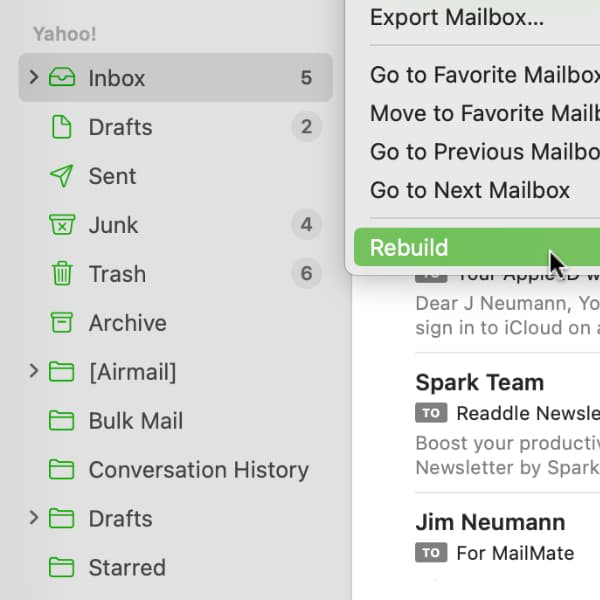
If you are dragging and dropping emails from Apple Mail into DEVONthink, you may see a message in our Log window that importing a message failed. Here’s something you can try to resolve the issue. (more)
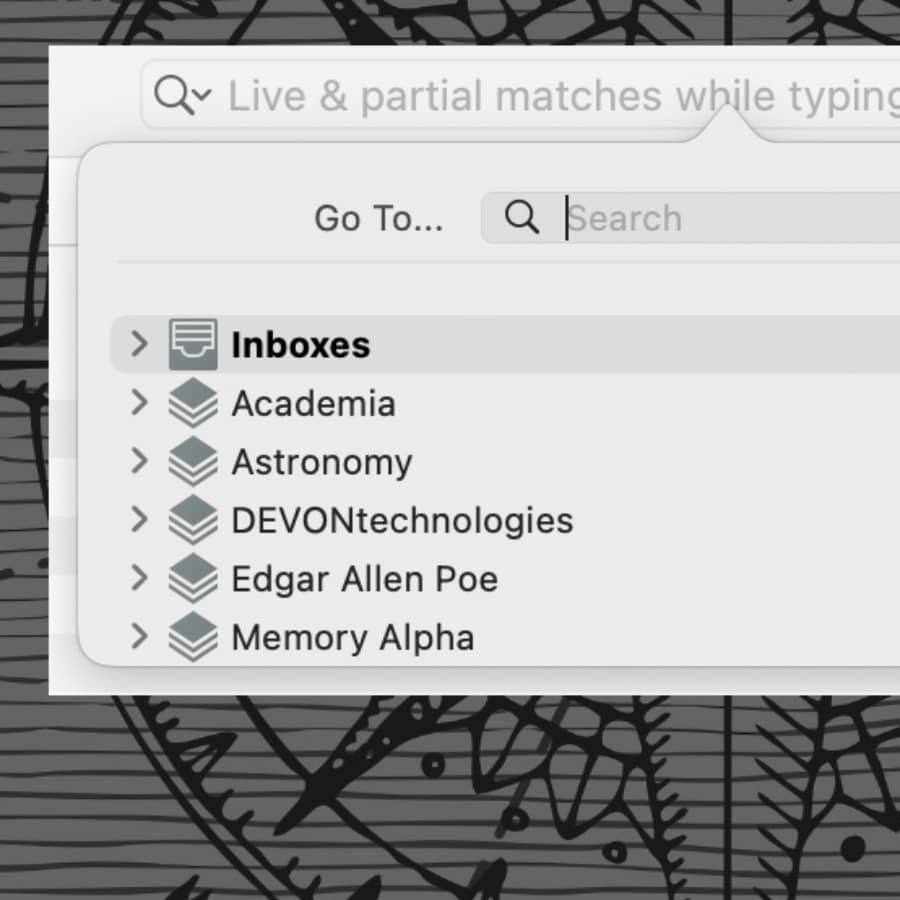
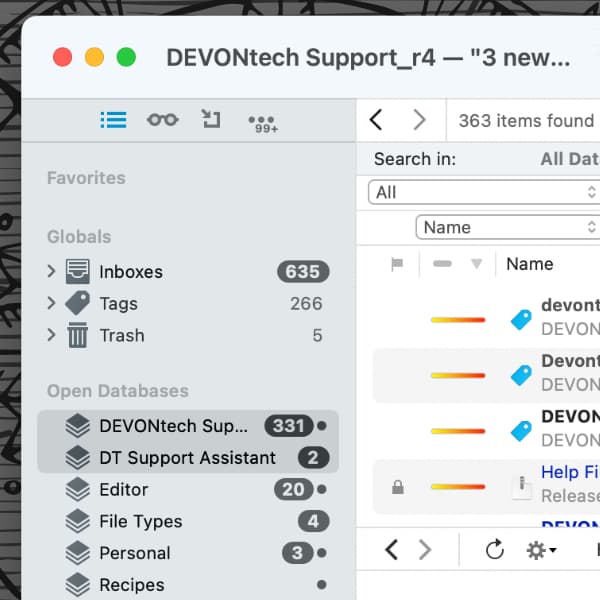
Perhaps you have many databases open in DEVONthink and need to switch between them regularly. Here are some ways to switch between them more quickly. (more)
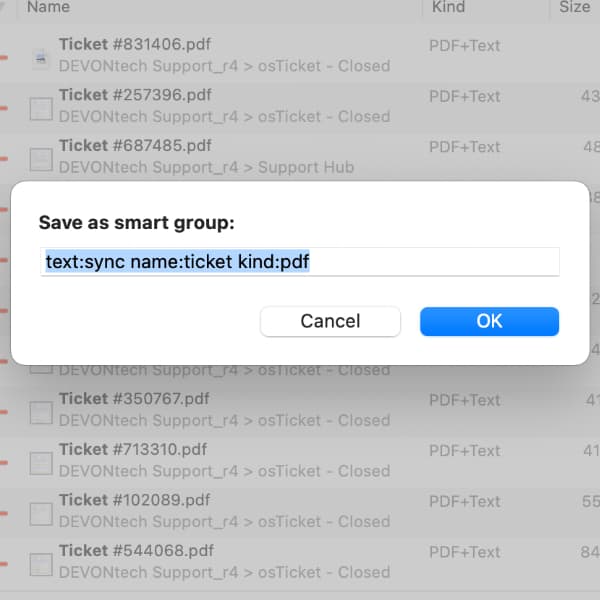
Smart groups are a good way to view items matching specific criteria, like all the flagged PDFs in your DEVONthink database. While it’s easy enough to make a smart group, if you find yourself doing the same search over and over, you can use it to create a smart group in a few clicks. (more)
WinterFest is the time when we come virtually together with other, like-minded software manufacturers. Buy DEVONthink or DEVONagent Pro for 25% off directly at the workshop gate and have a look at the other WinterFest apps with a similar discount. (more)
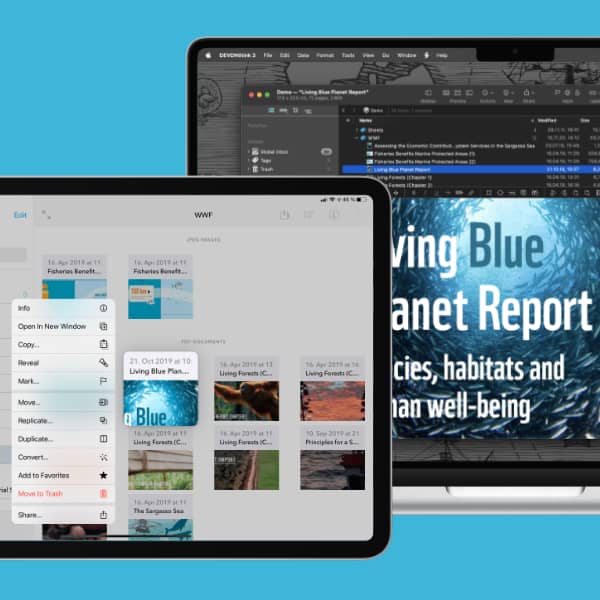
If you use a Mac and an iPad at the same time, Universal Control allows you to control both devices from a single keyboard and mouse or trackpad. You can use both devices perfectly together while retaining their individual capabilities. Here we’ll show you this feature. (more)
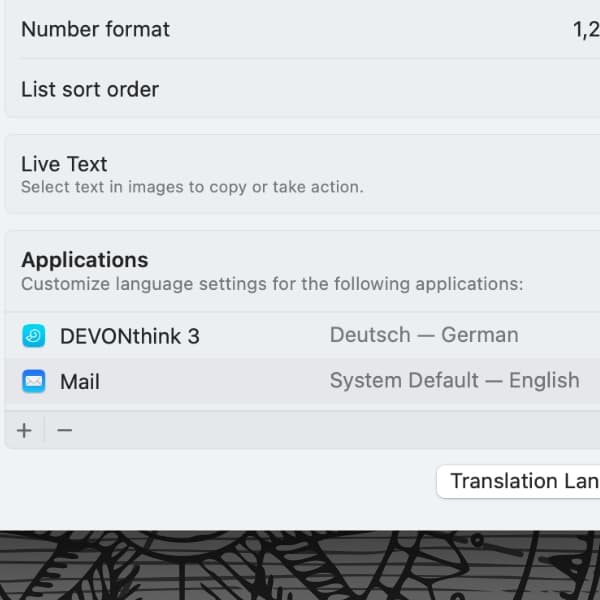
If an application has translated its interface into another language, you can choose the language in which it is used. DEVONthink is, e.g., available in English, French, and German. Here is, how you can easily change an app’s language on the Mac. (more)
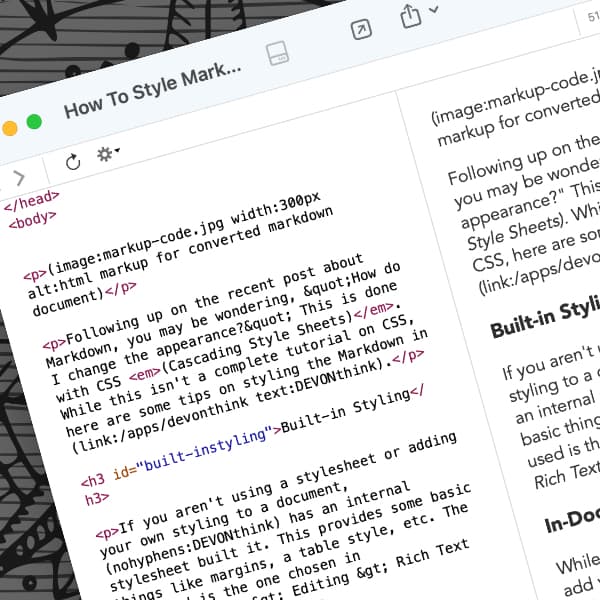
You may be wondering how you can change the appearance of your Markdown documents. The answer is: with CSS (Cascading Style Sheets). Here are some tips to get you started. (more)
When you’re searching for your documents in DEVONthink, you often have an idea where they might be. Searching everywhere would give you more results than you want at the moment. Here is, how to narrow down the search location. (more)
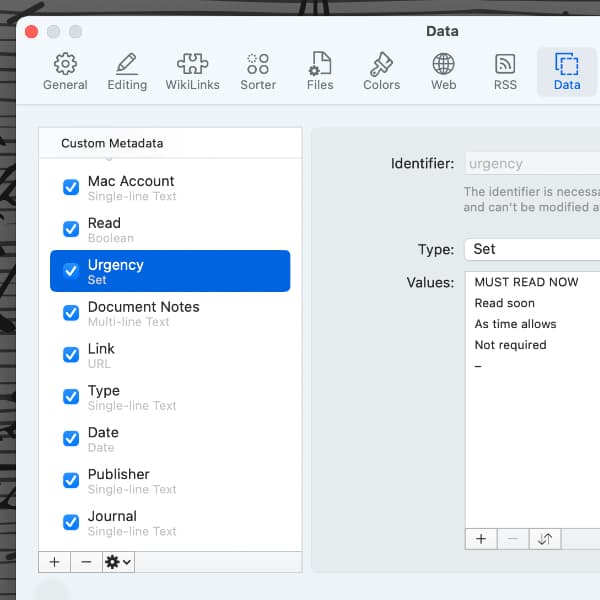
Metadata is information about other data, in our case documents. Most metadata is predefined, like the file size or the creation date. However, DEVONthink lets you create and use custom metadata, that you can apply to your documents. Here is, how that works. (more)
By using our site, you acknowledge that you have read and understand our Cookie Policy and our Imprint.